成瘾猫

Craving Cat

A pause that feels like company, not punishment.

A gentle interruption app that leaves a real pause before the apps you reopen on impulse, so the next step can still be yours.

Craving Cat is not here to keep you under control. It is here to catch you right before the craving gains speed.

01

Set different boundaries for different habits instead of relying on one blunt limit

02

Make “pause,” “put it down,” and “a little more time” feel like calm choices instead of moral tests

03

Use cat companionship and one guided breath to turn a craving spike into a slower moment

Released / Gentle protection
Gentle boundaries Cat companion One breath

Overview

It avoids shame dashboards and does not treat people like problems to be fixed. When autopilot is about to take over, it leaves a real, kind pause where your next step is still yours.

Screens

Screens

A quick look at the moments this product is built around, from setup to the pause itself.

01

English screens

From setup to the moment the pause appears.
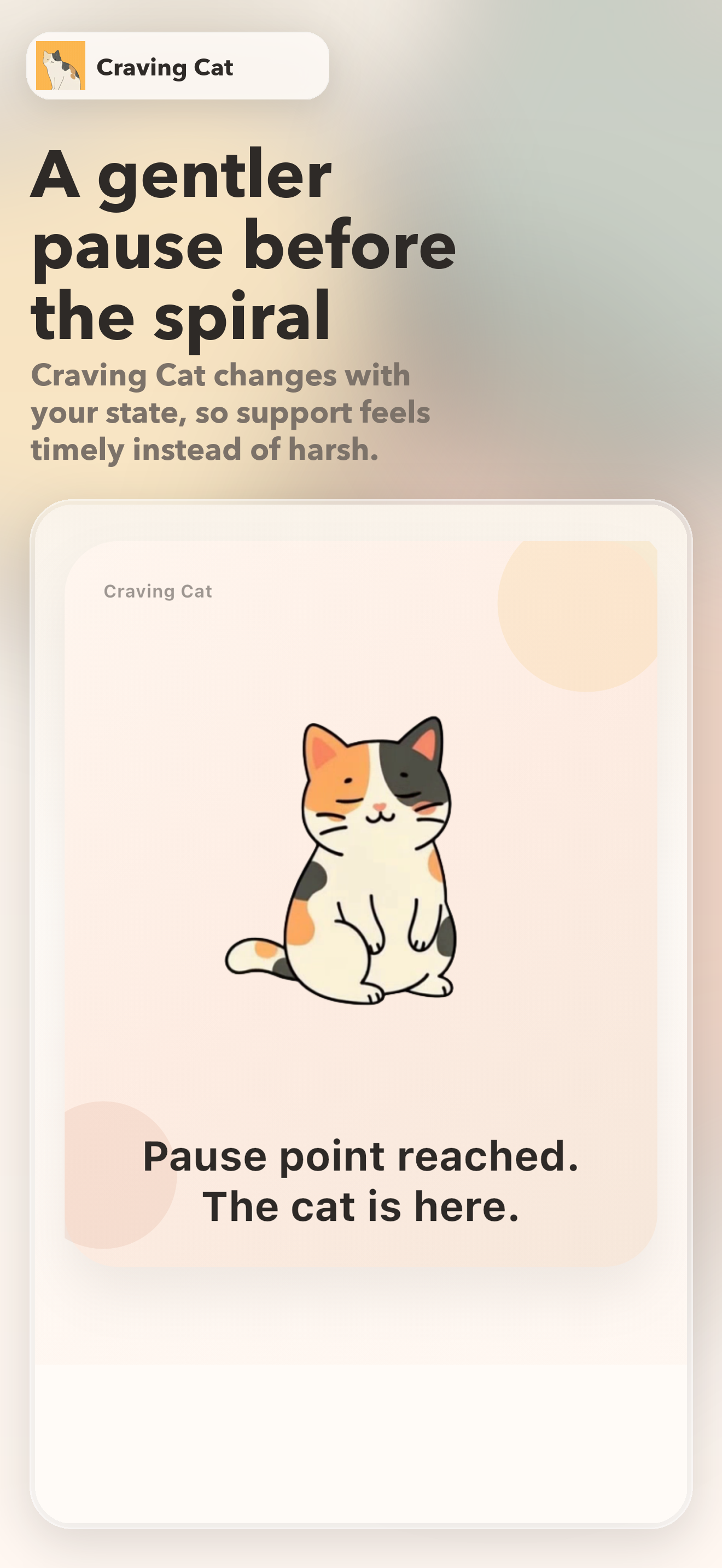
Craving Cat English screenshot 1: a gentler pause before the spiral
A gentler pause before the spiral
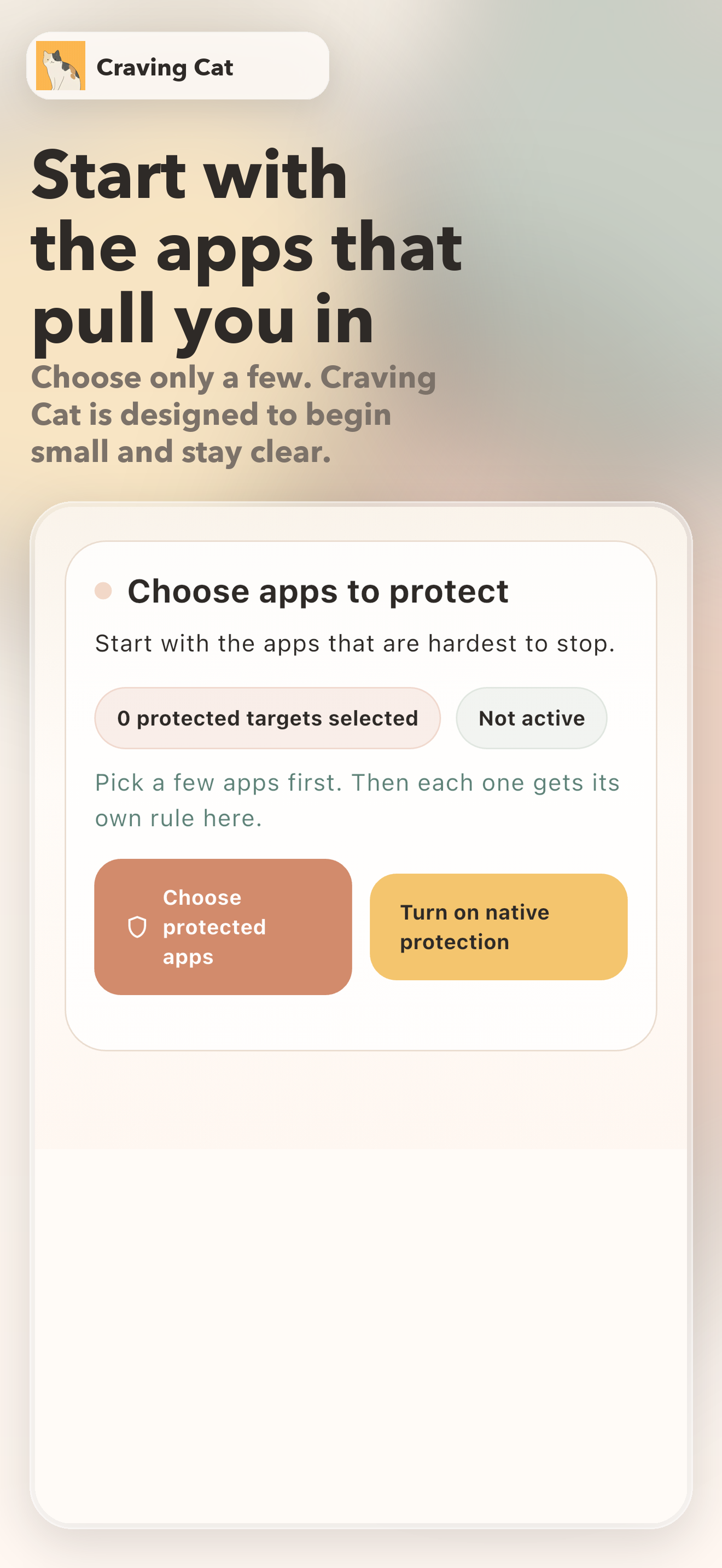
Craving Cat English screenshot 2: start with the apps that pull you in
Start with the apps that pull you in
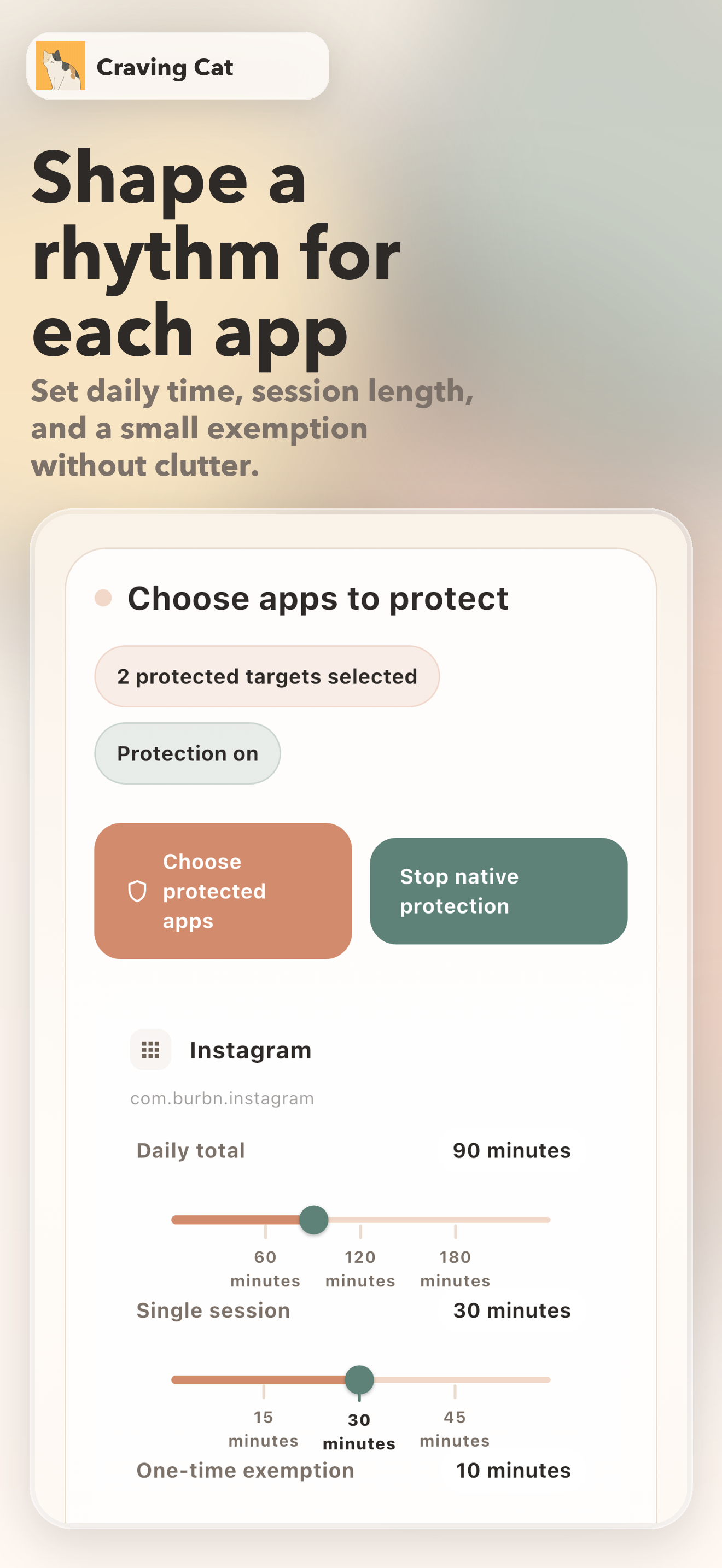
Craving Cat English screenshot 3: shape a rhythm for each app
Shape a rhythm for each app
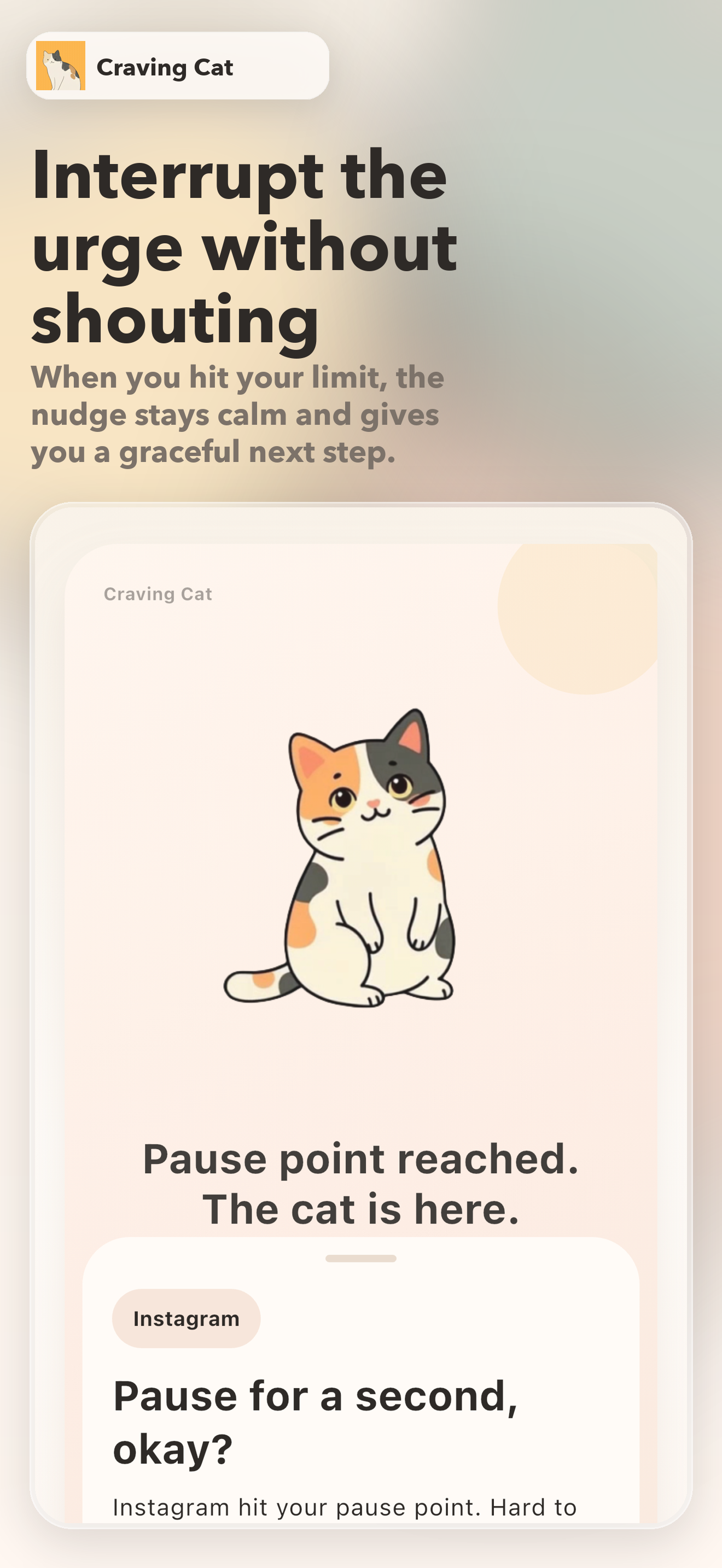
Craving Cat English screenshot 4: interrupt the urge without shouting
Interrupt the urge without shouting
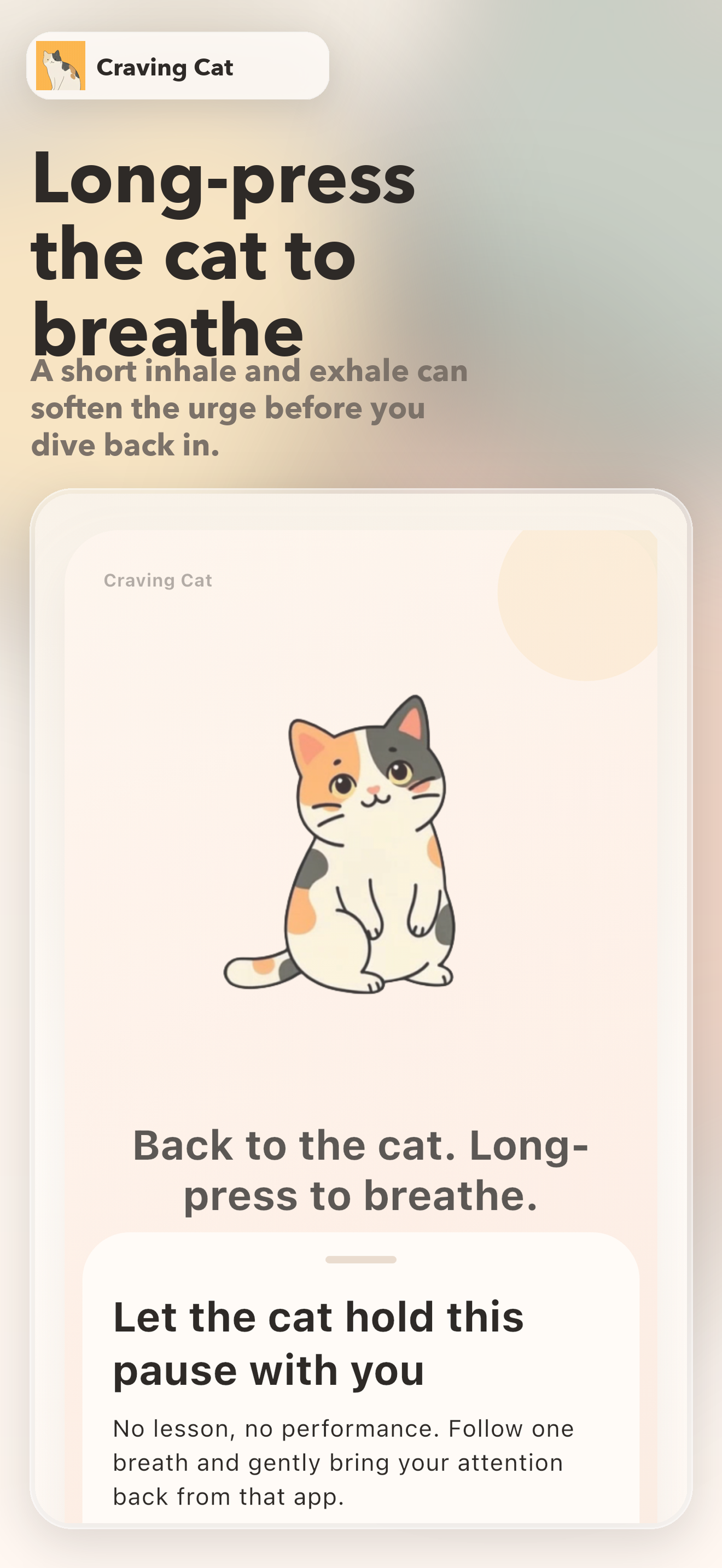
Craving Cat English screenshot 5: long-press the cat to breathe
Long-press the cat to breathe
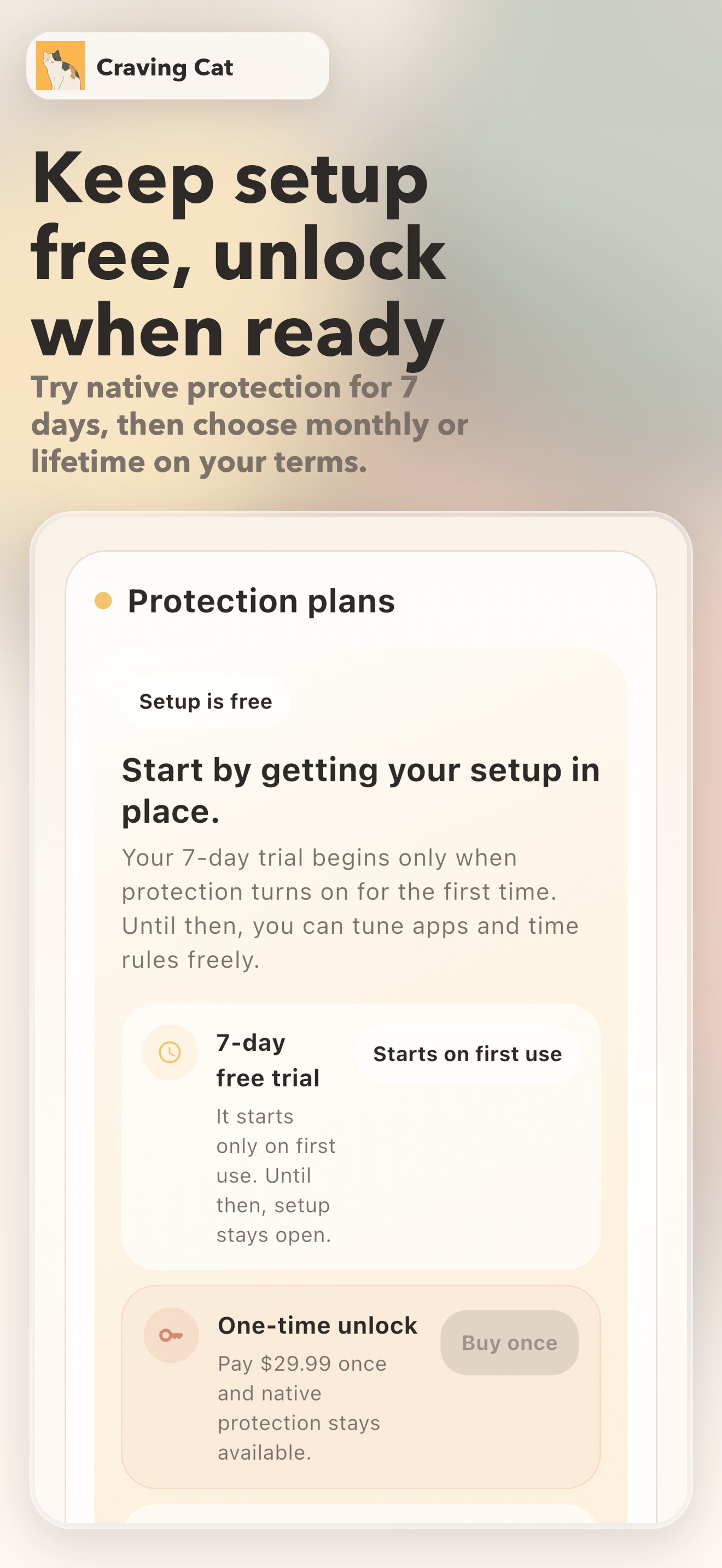
Craving Cat English screenshot 6: keep setup free, unlock when ready
Keep setup free, unlock when ready

Principles

What this product protects

01

Interrupt the impulse, return the choice

The goal is not obedience. The goal is to make an almost unconscious action visible again, so a real choice can re-enter.

02

Companion, not punishment

Every reminder, button, and companion moment avoids shame. Even “a little more time” is treated as a choice, not a moral failure.

03

Detailed rules, light emotional load

Different habits can carry different boundaries, while the interface stays soft, calm, and non-threatening.

Flow

How it feels in use

01

1. Notice where time disappears

Start by choosing the places where your sense of time most often slips. The goal is not to close everything, but to notice where support is actually needed.

02

2. Set light rules

Shape boundaries that fit each habit: how long feels okay today, how long is too long at once, and when you may still want a little room. You do not need to clamp down on everything at once.

03

3. Let the cat catch the moment

When the moment starts to speed up, the cat catches it first. You can allow a little more time, put it down for now, or take one guided breath before choosing again.

Support

How it supports you

  • Set different boundaries for different habits instead of relying on one blunt limit
  • Make “pause,” “put it down,” and “a little more time” feel like calm choices instead of moral tests
  • Use cat companionship and one guided breath to turn a craving spike into a slower moment
  • Keep the experience quiet and mostly on your own device, with less noise around it

Audience

Who this is for

  • People who lose time easily inside short-form, social, or shopping apps
  • People who do not want to be scolded by the very tool that is supposed to help
  • People who need gentler boundaries instead of hard blocks or parental language